

PhD Tools That Actually Work in 2026
Most doctoral students assemble the wrong stack in year one and spend the next four years paying for it. Here’s what changes when you build around research phases, not feature lists.
- The problem: PhD students build 7-tool stacks when 2–3 cover 90% of real workflow needs
- The finding: Optimal tool selection is phase-specific — discovery, synthesis, and writing require different tools
- The recommendation: Semantic Scholar (free discovery) + Elicit or Zotero (synthesis/citations) + Overleaf or Notion (writing) — pick your lane
- The warning: AI research tools accelerate mechanical tasks but cannot replace methodological judgment — and most PhD failures happen at the judgment layer
00 — BEFORE YOU READShould You Even Build a New Stack?
Every six months, a new wave of “best PhD tools” articles convinces researchers to abandon working setups for shinier alternatives. Before doing that, answer one question honestly: is your current bottleneck a tool problem or a workflow problem?
- You’re spending 3+ hours/week managing references manually
- You can’t trace how you found a key paper six months ago
- Your literature review took longer than your first draft
- You’re in years 1–2 and haven’t settled on a system
- You have a working system and are mid-thesis
- Your advisor’s lab uses specific tools you must match
- You’re adding tools out of FOMO, not friction
- You’re in year 3+ and productivity is your problem, not tools
Tools don’t fix broken research sequences — they scale them. That’s not a warning against new tools. It’s a warning against using tool adoption as a substitute for thinking about process.
01 — THE CORE FRAMEWORKThe Phase-First Model
Most “best PhD tools” lists fail because they organize recommendations by feature category (reference managers, note-taking apps, writing tools) rather than by where you actually are in the research cycle. The sequence matters more than the individual tools.
Match your tool to your current research phase, not to a feature list
| Phase | Primary Problem | Right Tool | Wrong Move |
|---|---|---|---|
| Discovery Months 1–6 | Finding papers you don’t know exist | Semantic Scholarfree ResearchRabbitfree | Paying for AI synthesis before you’ve read anything |
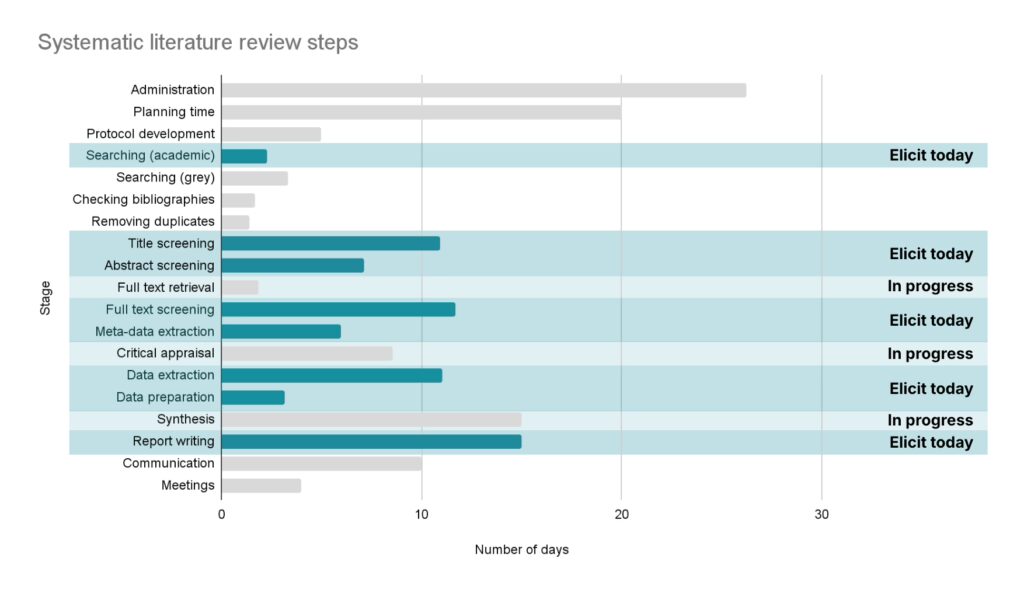
| Synthesis Months 3–18 | Extracting structure from 50–200 papers | Elicitfrom ~$10/mo Consensus~$10–12/mo | Reading every abstract manually while skipping structured extraction |
| Citation Mgmt Ongoing | Keeping 300+ references organized and citable | Zoterofree Mendeleyfree | Managing citations in a spreadsheet or your email inbox |
| Writing Year 2+ | Collaborative drafting with version control | Overleaffree tier Notionfree tier | Writing Chapter 3 in Google Docs without equation support |
| Verification Pre-submission | Checking if cited findings survived later scrutiny | Scite~$20/mo | Submitting without checking citation context |
02 — PHASE ONEDiscovery: Finding Papers You Don’t Know Exist
This is where most PhD students make their first mistake. They start with Google Scholar because it’s familiar, which means they find what ranks — not what’s foundational. Google Scholar has no semantic retrieval. It matches keywords, not concepts.
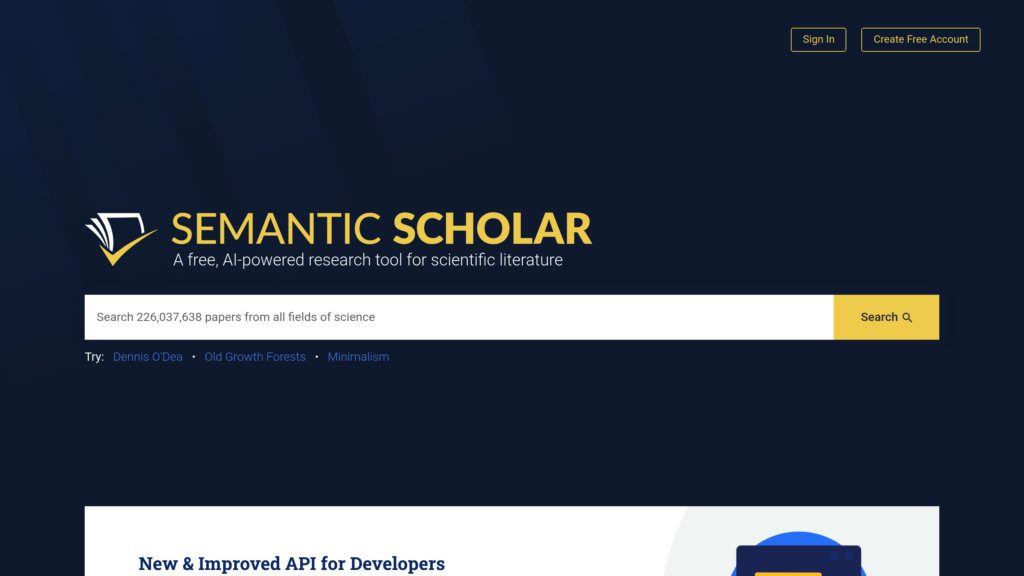
Semantic Scholar indexes 200M+ papers with AI-generated TL;DR summaries and citation graph visualization. Start here. The citation graph alone — tracing how a seminal idea propagated forward through a field — is worth more than three hours of abstract-reading.
ResearchRabbit works differently. Seed it with your five most relevant papers, and it maps the citation network visually, surfacing related work you’d never find through keyword search. Use it after your initial Semantic Scholar pass to catch what you missed.
Neither Semantic Scholar nor ResearchRabbit evaluates methodology quality. They surface papers — they don’t tell you whether the results held up under replication or whether the sample was underpowered. That judgment is yours. AI accelerates the mechanical parts of discovery, not the intellectual parts.
03 — PHASE TWOSynthesis: Elicit vs Consensus (and Why the Choice Depends on Your Question)
This is the phase where people spend the most money on the wrong tool. The decision is simpler than the feature comparison articles suggest.
What most articles don’t say: Elicit’s semantic search runs across its 138M-paper Semantic Scholar database, deduplicates results, and ranks them. The journal quartile filter (Q1–Q4) is genuinely useful — it’s one of the fastest ways to narrow a 200-paper shortlist to the 30 papers worth reading in full. I haven’t seen another tool handle this as cleanly.
Elicit processes up to 5,000 papers on Pro, 20,000 on Teams, and 40,000 for Enterprise. If your systematic review covers a field with 50,000+ papers, you’ll hit limits. Plan accordingly, or contact them about research agreements. (Limits as of May 2026 — verify before committing to a plan.)
04 — PHASE THREECitation Management: Stop Overthinking This
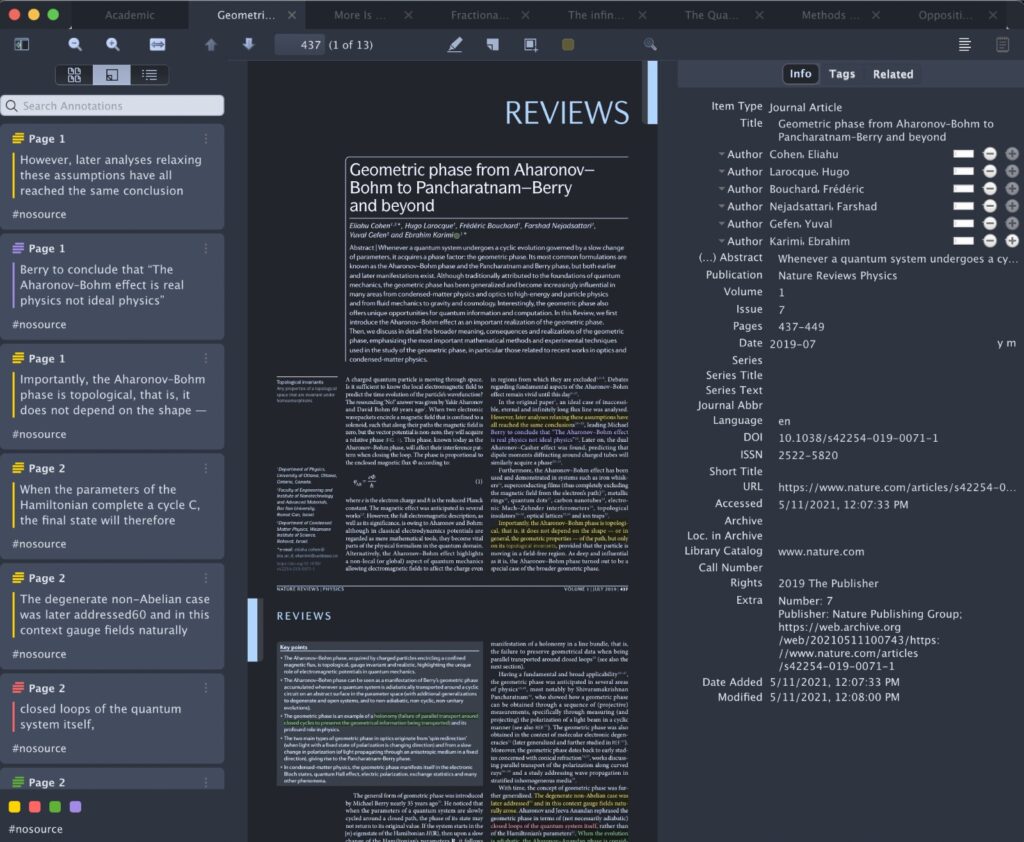
The honest take: Zotero is the correct answer for most PhD students, and it has been for five years. It’s free, actively maintained, has browser extensions that work reliably, and supports every citation format you’ll need. The only reason to consider Mendeley is if your institution has a group license and you need collaborative libraries with colleagues already using it.
Use Zotero with separate collections per project, one shared library across everything. If you’re working across multiple projects and need to connect ideas between them — a growing workflow — look at Atlas, which builds a personal wiki where insights from one project link to related work in another. That’s a different use case than pure citation management, but it’s increasingly relevant for researchers doing interdisciplinary work.
05 — PHASE FOURWriting: STEM vs Humanities is a Real Distinction
This split matters more than any other choice in your stack, and almost no tool guide addresses it directly.
06 — THE RECOMMENDED STACKWhat a Functional 2026 PhD Setup Actually Looks Like
Not seven tools. Three, selected by phase.
Add Scite before submission if you’re in a field where citation context matters (medicine, psychology, any replication-heavy area). It classifies 1.2B+ citation statements as supporting, contradicting, or mentioning — which is a genuinely different signal than citation count.
Add NotebookLM (free, Google) if you need to interrogate your own documents without hallucination risk. It grounds responses strictly to what you’ve uploaded. Useful for making sense of a corpus of 20–30 PDFs you’ve already collected.
Everything above assumes your research bottleneck is mechanical: finding papers, extracting data, managing references. Most PhD students in years 1–2 have mechanical bottlenecks. Most students in years 3–5 don’t.
In the later stages, the bottleneck shifts to judgment: Is this the right research question? Is my methodology actually answering it? Does this argument hold? No tool in 2026 answers those questions reliably. AI tools occasionally misinterpret statistical results or oversimplify nuanced findings. The ones that claim to help with methodology are the ones to be most skeptical of.
The uncomfortable truth: the researchers who struggle most with their thesis are usually not struggling with tools. They’re struggling with their question. Upgrading your stack when your argument isn’t working is a very effective way to stay busy without making progress.
07 — FAQQuestions That Reveal Assumptions Worth Challenging
Your Jobs are changing because of AI — Here’s Exactly How
Every tool mentioned in this article. Check pricing and terms directly — affiliate-free.
How to Use ChatGPT for Academic Writing — Without Compromising Integrity
NotebookLM for Researchers: A Deep Dive Into the Most Underused AI Tool
AI Hallucinations in Academic Writing: What They Are and How to Catch Them
How to Write a Literature Review Using AI: Step-by-Step Guide
AI Research Paper Writing: Complete Guide From Outline to Submission