


AI Tools · Freelance Workflows · 2026
Best AI Tools for Freelancers: Build a $40/Month Stack That Actually Works
Most freelancers overspend on AI by 60–80% and still can’t point to the hours it saved them. This guide cuts through the hype: here’s a lean, decision-grade stack built for real solo work — not a wishlist for a funded startup.
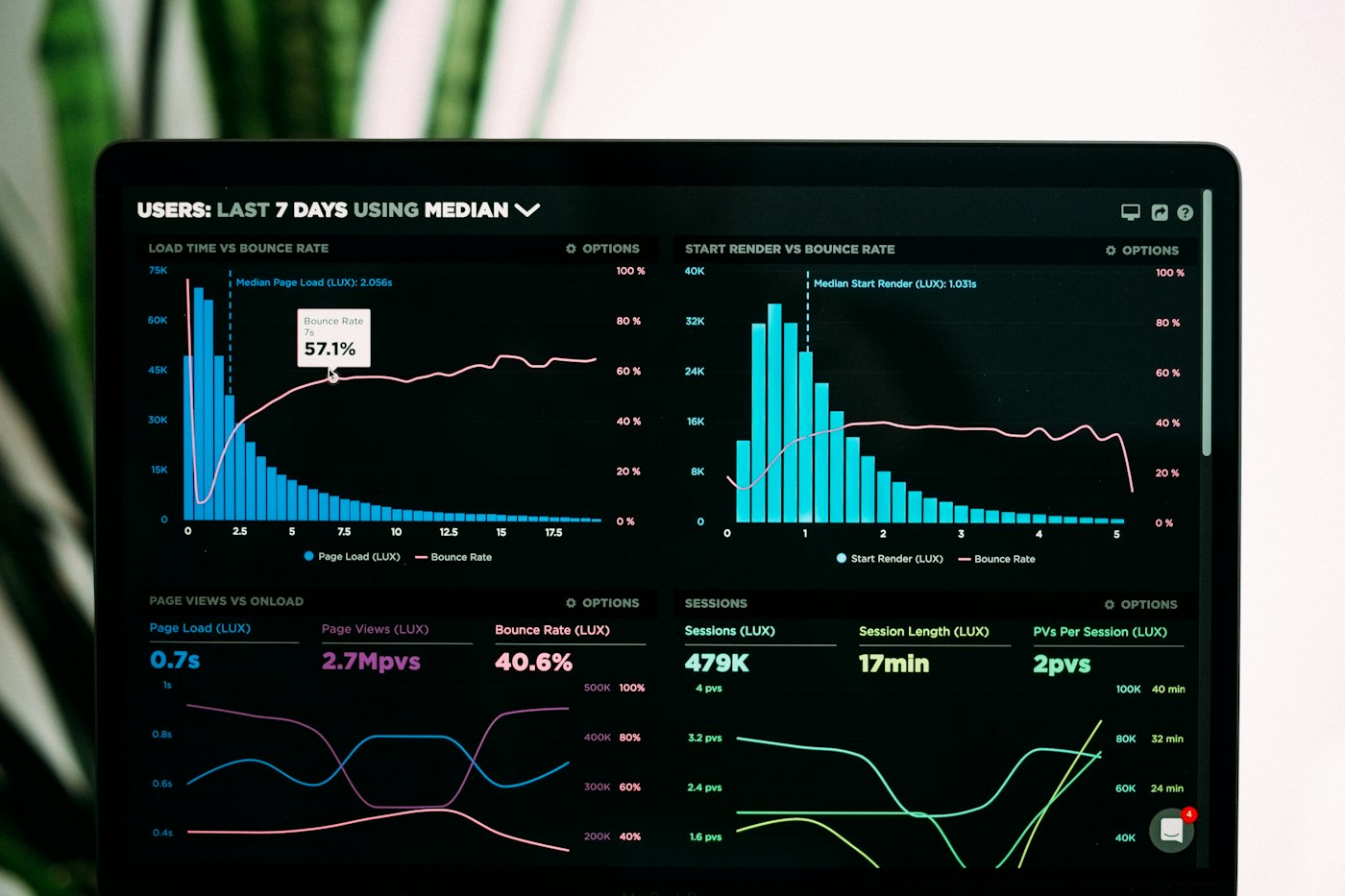
A lean AI stack isn’t built in a weekend — it’s pruned over months until every subscription earns its keep.
TL;DR — What You Need to Know in 2 Minutes
- The $40/month framework works — one capable AI assistant + one free-tier specialist tool beats a bloated $120+/month stack for 80% of freelance work.
- Subscription sprawl is the real enemy. A typical freelance creative now spends over $1,200/year on AI subscriptions — often paying for duplicate features across three tools simultaneously.
- The ROI rule that matters: freelancers billing at $50/hr recoup a $40/month AI spend with fewer than 50 minutes of saved time per week. Anything below that threshold, the tool isn’t working hard enough.
- The core stack: Claude Pro or ChatGPT Plus ($20) + Perplexity Free ($0) + Notion AI or Canva Pro ($10–$15 depending on annual billing) + one niche specialist chosen by your discipline.
- What most guides miss: the right AI stack for a copywriter looks nothing like the right stack for a developer or a designer. This article gives you a decision framework, not another 17-tool list.
Why Your AI Stack Probably Costs Too Much and Delivers Too Little
Here’s a number that should stop you: $872. That’s how much more expensive the average freelance AI stack became between early 2023 and 2026, according to research from Lorka AI — driven almost entirely by platforms switching from free tiers to $20–$30/month paid plans. The tools didn’t get 10× better. The bills did.
Meanwhile, 84% of freelancers now use AI-powered tools regularly, up from just 41% three years ago. The adoption curve is almost vertical. But the income gap between freelancers who merely use AI and those who’ve built AI into billable workflows is growing just as fast. The difference isn’t which tools you pay for — it’s whether you’ve connected them to actual output.
Industry analysts tracking AI tool adoption have coined a specific term — “subscription sprawl” — for the problem of paying for duplicate features across multiple tools without realising it. A recent survey found 28% of workers say AI is actively contributing to their sense of tool overload, not reducing it. For freelancers without an IT department to audit their stack, the waste is almost always worse.
Most articles about AI tools for freelancers are, in blunt terms, affiliate link inventories dressed up as advice. They list seventeen tools across as many categories, give each one a cheerful paragraph, and leave you no clearer on what to actually buy. The guides that do address cost tend to land on vague ranges like “$60–$150/month” — which is not a recommendation, it’s an abdication.
This article takes a different position: $40/month is a real budget constraint that produces better decision-making, not worse outcomes. Here’s why that’s true — and how to build around it.
The $40 Constraint Is a Feature, Not a Limitation
There’s a counterintuitive truth buried in the data on freelance AI adoption: larger stacks rarely outperform smaller, well-chosen ones. The reasons are mechanical and worth spelling out.
First, every new AI tool requires context re-establishment. You’ve built mental models of how to prompt one tool; a second tool requires re-learning from scratch. A third creates a decision overhead every time you sit down to work — which tool handles this task? That context-switching cost is invisible on any pricing page but very visible in your actual hours.
Second, the AI tool pricing model is explicitly designed to keep you locked inside a single ecosystem. Each platform, whether ChatGPT, Claude, Gemini, or Perplexity, is built to be a complete environment. They overlap by design. When you subscribe to multiple flagship assistants simultaneously, you are overwhelmingly likely to be paying for the same capability twice.
“The AI tool stack that delivers real value in 2026 isn’t the biggest. The companies — and freelancers — that figure this out first won’t just save money. They’ll move faster than everyone still managing the sprawl.”
— Sundae Bar AI, analysing enterprise AI tool sprawl (February 2026)
Third, the ROI math is strikingly unforgiving. If you’re billing at $50/hour and spending $40/month on AI tools, you need to save fewer than 48 minutes per month to break even — that’s roughly 12 minutes per week. That bar is genuinely achievable with a single well-used AI assistant. It becomes harder to measure — and therefore easier to rationalise — as the stack grows and the monthly cost climbs toward $150.
The $40/month ceiling forces a discipline that a $150 “whatever seems useful” budget doesn’t. It forces you to ask: what does this tool do that nothing else in my stack does? That question eliminates most of what you’d otherwise buy.
Anatomy of a Lean Freelance AI Stack
Before listing any specific tool, it helps to think in terms of functional layers rather than product names. A well-built freelance AI stack has exactly three layers — and you should fill each before adding anything else.
Layer 1: The General Intelligence Engine
This is your primary AI assistant — the tool that handles drafting, reasoning, editing, strategy, brainstorming, and client communication. You should have exactly one of these. Paying for two is the single most common form of AI subscription waste among freelancers. Budget: $0–$20/month (free tier or one paid subscription).
Layer 2: The Research & Verification Layer
AI assistants hallucinate. They also have knowledge cutoffs. You need a tool that can pull current, sourced information — whether for fact-checking your own output or doing initial research for a client deliverable. In 2026, this function can be covered cheaply or free. Budget: $0–$10/month.
Layer 3: The Discipline-Specific Specialist
This is the one place where your specific work type dictates the choice. A developer has different needs to a designer, who has different needs to a copywriter. This layer should be chosen last, budgeted last, and evaluated most rigorously. Budget: $0–$20/month.
Before subscribing to any tool, ask: which layer does this fill? If it duplicates a layer you’ve already filled, you don’t need it — you need to get better at using what you have.
Notice what’s absent from this framework: a dedicated project management AI, a separate image generator, a standalone email tool, a grammar checker, and all the other single-function subscriptions that bloat freelance stacks. These can be useful — but they are additions to a working foundation, not the foundation itself. Many freelancers buy them first, which is backwards.
The $40/Month Stack: What Goes In
The following is the core stack — the foundation that covers the first two layers for most freelancers. Total committed spend: $20–$30/month, leaving $10–$20 for your discipline-specific specialist.
That leaves $10–$20 for your discipline-specific specialist — covered in the next section.
Discipline-Specific Additions: Spend the Remaining Budget Here
This is where most AI tool guides collapse into a generic list. The honest answer is that the right third-layer tool is determined entirely by your primary service. Here are the best options by discipline, with real constraints attached.
For Copywriters & Content Strategists
Your general assistant already handles drafting — so the specialist layer should address SEO or content research, not more writing. Surfer SEO’s Essential plan ($89/month) is too expensive for this budget, but their basic content editor feature is occasionally available on promotional pricing. More practically: the combination of Perplexity for research intent and your general assistant for writing covers 90% of what Surfer does for content strategy.
A more budget-realistic specialist: Hemingway Editor (free web version) for readability auditing. Not AI in the contemporary sense, but more reliable for clarity feedback than asking an AI to critique its own output — which it invariably praises.
For Developers & Technical Freelancers
The strongest case for spending the specialist budget: GitHub Copilot at $10/month (Individual plan) is the most demonstrable ROI in any technical freelancer’s stack. Multiple independent audits have confirmed 30–40% faster code completion on repetitive patterns. For a developer billing $75+/hour, the break-even is achieved in under one hour of work per month.
Note: if you choose GitHub Copilot as your specialist layer, seriously consider downgrading your general assistant to the free ChatGPT tier. Copilot handles code explanations and debugging adequately — you may not need a paid general assistant on top of it.
For Designers & Visual Creatives
Canva Pro at $15/month (annual billing) is the highest-ROI option if visual deliverables are part of your service. Canva’s AI features — background removal, Magic Edit, generative fill, text-to-image — are embedded in a tool you’d likely use anyway, which means zero switching cost. This matters more than the capability ceiling. A standalone Midjourney subscription ($10/month) produces higher-quality images but requires a separate workflow and separate context. For most designers, Canva Pro wins on practical grounds.
Exception: if image generation is itself a billable service you sell to clients, Midjourney’s quality ceiling justifies the separate subscription.
For Marketing & Social Media Freelancers
Buffer’s free tier covers scheduling across most major platforms. Its AI assistant (available on the Essentials plan at ~$18/month) generates post variations and captions with enough coherence to be a genuine time-saver for bulk content creation. The constraint: it’s a one-trick specialist. If you’re also writing long-form content, you’ll still need a general assistant, and the combined cost approaches $38–$40/month — which is the budget ceiling.
Trade-off: at that ceiling, you’re choosing between richer scheduling automation (Buffer Essentials + free general assistant) or richer writing capability (paid general assistant + free Buffer). Know your primary bottleneck first.
For Accountants, Finance & Admin Freelancers
The specialist case here is less obvious, and most AI tool roundups skip this discipline entirely. The most useful addition: Notion AI or ClickUp AI for generating client-ready report templates and meeting summaries. ClickUp’s AI is available on the Unlimited plan at roughly $7/month (annual billing). The advantage is building repeatable document workflows — something a general-purpose chat assistant does poorly unless you’ve heavily customised your prompts.
How to Actually Implement This in Your Workflow
The failure mode of most AI tool adoption isn’t choosing the wrong tool — it’s using the right tool inconsistently. A framework is only as good as the habits built around it. The following implementation sequence is adapted from the patterns of freelancers who demonstrably save 10+ hours per month with AI versus those who save two.
The 4-Week Implementation Sequence
What to Do With Your Existing Subscriptions
If you’re reading this with an existing AI stack, the implementation starts differently: with a cancel audit. List every AI subscription you’re paying for. For each one, write one sentence explaining what billable outcome it produces. If you can’t write that sentence, cancel it before the next billing cycle.
This is uncomfortable. It’s also where the $40 budget is usually found — not through careful shopping, but through honest pruning of what’s already there. Most freelancers who go through this process discover they’re spending $80–$120/month and can get to $40 by cutting tools they haven’t logged into in three weeks.
If you bought an annual subscription to a tool you’re not using heavily, the correct response is still to not renew it — not to force yourself to use it to justify the cost. AI tool pricing is changing fast enough that locking yourself into tools you’ve outgrown because of annual billing costs you more than the renewal discount saves.
On the Trendix trends resource, the productivity patterns of professional freelancers who navigate AI adoption successfully share a common thread: they treat their tool stack as a quarterly decision, not a permanent fixture. Build that habit now, before the market normalises at $200/month stacks.
Limitations — and When This Stack Doesn’t Work
The $40/month framework is a strong fit for the majority of solo freelancers, but it has identifiable limits. These are worth stating plainly rather than burying in fine print.
When You’re Competing on Volume
If your business model depends on producing very high volumes of deliverables — say, 30+ pieces of written content per month or 50+ social media graphics — the free tiers and moderate paid plans in this stack will hit usage limits. At that scale, the economics change: a higher-tier plan or an agency-level tool often costs less per unit of output than rate-limited tools that create interruptions in your workflow.
When AI Is the Product
If you’re selling AI-generated images, AI-written content, or AI-assisted code directly as your primary service, the quality ceiling of a $40 stack may undercut your pricing power. Clients paying premium rates for AI-assisted creative work can often tell the difference between Midjourney Standard ($10/month) and Midjourney Pro ($60/month). In this case, the specialist layer cost goes up — and you need to charge accordingly, not absorb the difference.
When Your Work Requires Specialised Data
Legal freelancers, financial analysts, and medical writers often need tools that go beyond general AI assistants — tools trained on or connected to domain-specific databases with liability-grade accuracy. The $40 stack does not address this. General-purpose AI assistants should not be trusted for high-stakes professional advice without verification, regardless of how confidently they respond.
The Platform Dependency Risk
Every tool in this stack is a subscription to a third-party platform. Prices are rising — as Lorka AI’s research shows, global spending on AI is forecast to rise 44% in 2026, suggesting further price hikes across the major platforms are likely. The $20/month tier you build your workflow around today may be $30 next year. Building too deep a dependency on any one tool’s specific features is a business continuity risk worth acknowledging.
The practical hedge: build your workflows and prompts to be portable. If a tool raises its price beyond your tolerance, you want to be able to switch to an alternative within a week — not a quarter.
FAQ
Final Thoughts
The prevailing narrative around AI tools for freelancers has a problem: it conflates adoption with advantage. Buying more tools is framed as getting ahead, when the data increasingly suggests that owning five AI subscriptions you use inconsistently produces worse outcomes than mastering one.
The uncomfortable truth behind this entire guide: the ROI of your AI stack is almost entirely determined by your prompting discipline, not by which tools you’ve subscribed to. Two freelancers can buy identical stacks, pay identical monthly bills, and produce wildly different results — because one has invested time in building high-quality prompt templates calibrated to their actual work, and the other is still typing the same vague instructions they’d type into a search engine.
That’s the non-obvious consequence most tool guides won’t tell you, because it deflates the appeal of their recommendations: the $40 stack described here will underperform a $20 stack used brilliantly. Before you spend money on the next AI subscription, spend two hours building a set of reusable prompts for your three most common deliverables. That exercise produces more measurable productivity gain than any single tool upgrade.
The future of freelance AI is trending toward deeper integration and higher prices — not toward simpler stacks or cheaper options. The freelancers who are building lean, well-understood workflows now are accumulating a compounding advantage: while the market is debating which $30/month tool to add next, they’re three years deep in a stack they understand at the level where it actually starts paying off.
You can follow more of this kind of practitioner-grade analysis on technology and business tools at Trendix, where the coverage tracks AI adoption trends beyond the press release layer.
Sources & References
- [1] Lorka AI — “AI Tool Pricing: How Subscription Costs Are Rising” (May 2026). Documents the $872 increase in typical freelance AI stack costs since early 2023, driven by platform monetisation. lorka.ai
- [2] Freelancer Kompass 2026 — 84% of freelancers now use AI-powered tools regularly, up from 41% in 2023. Via Plutio Freelancer Magazine analysis (March 2026). plutio.com
- [3] AIonX — “AI Pricing Comparison 2026: ChatGPT vs Claude vs Gemini” (February 2026). Confirms professionals saving 2–3 billable hours per month break even on a $40/month AI toolkit. aionx.co
- [4] Sundae Bar AI — “AI Tool Sprawl Is Costing Your Business More Than You Think” (February 2026). Cites Zapier enterprise survey: 30% of organisations report wasting money on redundant AI software. sundaebar.ai
- [5] Lorka AI — Global AI spending forecast to rise 44% in 2026, suggesting further platform price hikes. lorka.ai
- [6] Damongo — “The Complete Guide to AI Tools for Freelancers in 2026” (April 2026). ROI calculation: freelance copywriter spending ~$99/month saves 15 hours at $75/hour = $1,125 in value. damongo.com
- [7] Apple World Today — Survey: 28% of workers say AI contributes to their sense of tool sprawl (May 2026). appleworld.today
- [8] Fiverr — “2024 Generative AI Usage Report.” 67% of freelancers confirm AI tools boost productivity; 36% pay for AI subscriptions (up 10% from 2023). Via Stock Titan. fiverr.com
Related Articles on Trendix
Updated with current pricing data across ChatGPT Plus, Claude Pro, Perplexity, GitHub Copilot, and Canva Pro. Added new section on subscription sprawl data from Lorka AI (May 2026) and Freelancer Kompass 2026 adoption figures. Revised discipline-specific recommendations to reflect Canva’s updated AI feature set and GitHub Copilot’s Individual plan restructuring.
Micro-SaaS: Where the Growth Is and Where It Isn’t
Freelance Pricing Strategy: How to Raise Your Rates Without Losing Clients
Cost Analysis: The Complete 2026 Guide
AI for Developers & Indie Hackers: The 2026 Reality Check
GPT-5.5 Just Dropped. DeepSeek Answered in 24 Hours. And Your AI Stack Is Already Wrong.
Obsidian vs. Notion: Which PKM Tool Actually Fits Your Workflow?
Cursor vs Claude Code: 6 Months in Production — Which Is Actually Better?
AI for Solopreneurs: The Definitive Playbook
AI Meeting Intelligence Tools
Best Productivity Tools in 2026: The Full Stack Guide